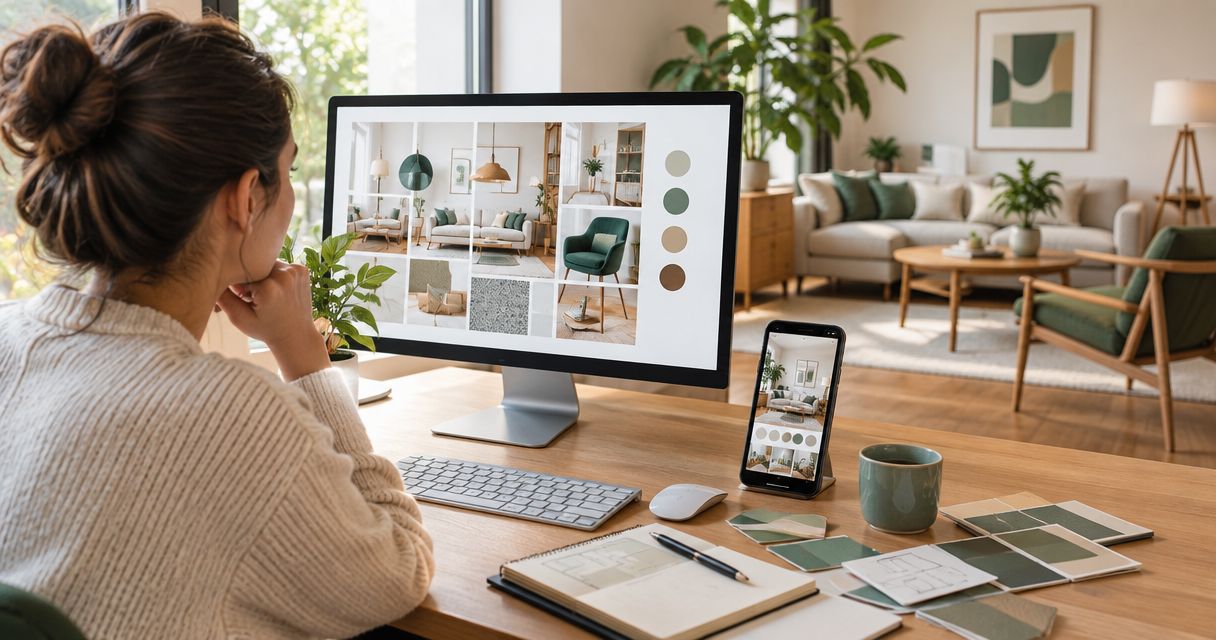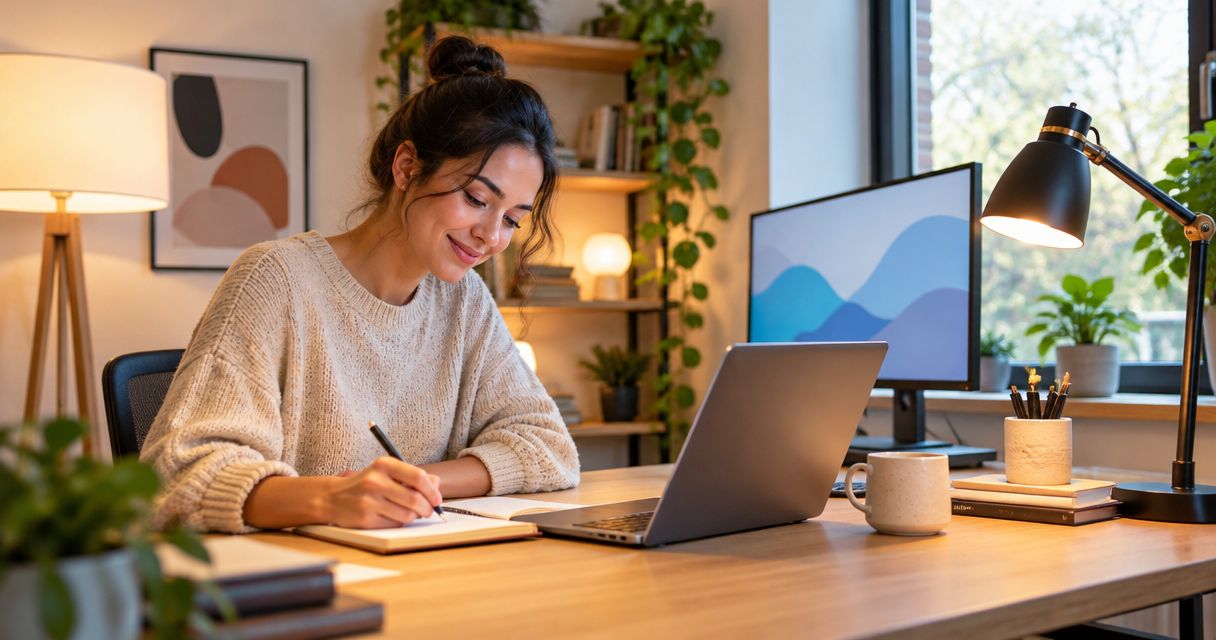
Home-based business lighting design is the planning of task, ambient, and accent light to support paid work within a home. Your workspace needs to serve screens, paperwork, calls, or hands-on tasks without making the surrounding room feel like an office after hours.
- Lighting design for home-based businesses starts with desk placement, glare control, and separate task and ambient lighting.
- Oak + Loom Interiors suits Colorado Springs homeowners seeking interior design and curated lighting for a shared home workspace.
- Choose adjustable task lighting for focused work; use ambient lighting to soften contrast around the desk.
- Test lighting on your actual work surface and video calls before committing to permanent fixtures.
Why lighting design matters for home-based businesses
A home business asks more of a room than occasional email does. You might review documents, photograph samples, meet clients on camera, and then return the same space to family use. Each activity needs light in a different place.
The best lighting plan starts with the work, not the fixture. A decorative pendant cannot correct a bright window reflected in your monitor, and a desk lamp cannot light an entire room evenly.
Oak + Loom Interiors offers interior design services and curated home furnishings, including lighting, for homeowners furnishing or renovating their spaces. That combination fits a workspace project where the desk, furnishings, and lighting need to work together rather than become separate purchases.
For your 2026 workspace plan, define success in practical terms: readable documents, manageable reflections, a clear face on calls, and a room you still enjoy when work ends. More brightness alone is not the goal.
Build your home-business lighting plan
1. Map your tasks before choosing fixtures
Start with a handwritten list of what happens at your desk and elsewhere in the room. Separate screen work from detailed physical work. Reading a monitor, checking fabric colors, and packing orders are different lighting tasks, even when they share a tabletop.
Use your existing lamps first. Move a portable light between the desk, shelves, and workbench to see where directed light helps and where it creates shadows. This simple exercise gives you a clearer brief before you select anything new.
Record what needs to remain fixed and what moves. A dining table used for business during the day needs a different arrangement from a dedicated studio bench. If clients visit, include the route from the doorway and the place where they sit, not just your own chair.
- Screen work: Mark where reflections appear on the display.
- Paperwork: Identify the area that needs direct, adjustable light.
- Detailed work: Note where your hands or tools cast shadows.
- Client meetings: Check seating and faces from both sides of the room.
2. Position your desk around daylight
Before adding fixtures, try another desk position. A window beside your desk is a useful starting point because you can adjust the relationship between daylight, your screen, and your face. A window directly behind a monitor or directly behind you creates different contrast problems; test both before settling the layout.
Check the room during your actual working hours. Morning light does not tell you how an afternoon client call will look. Use existing blinds or curtains to test glare control, and keep your normal screen brightness while comparing positions.
Take a camera preview from your usual seated position. Look for a bright window, reflected glass, or a strong shadow across your face. Fix placement before buying a brighter lamp. This is especially useful when a home office occupies a bedroom corner or part of a living room.
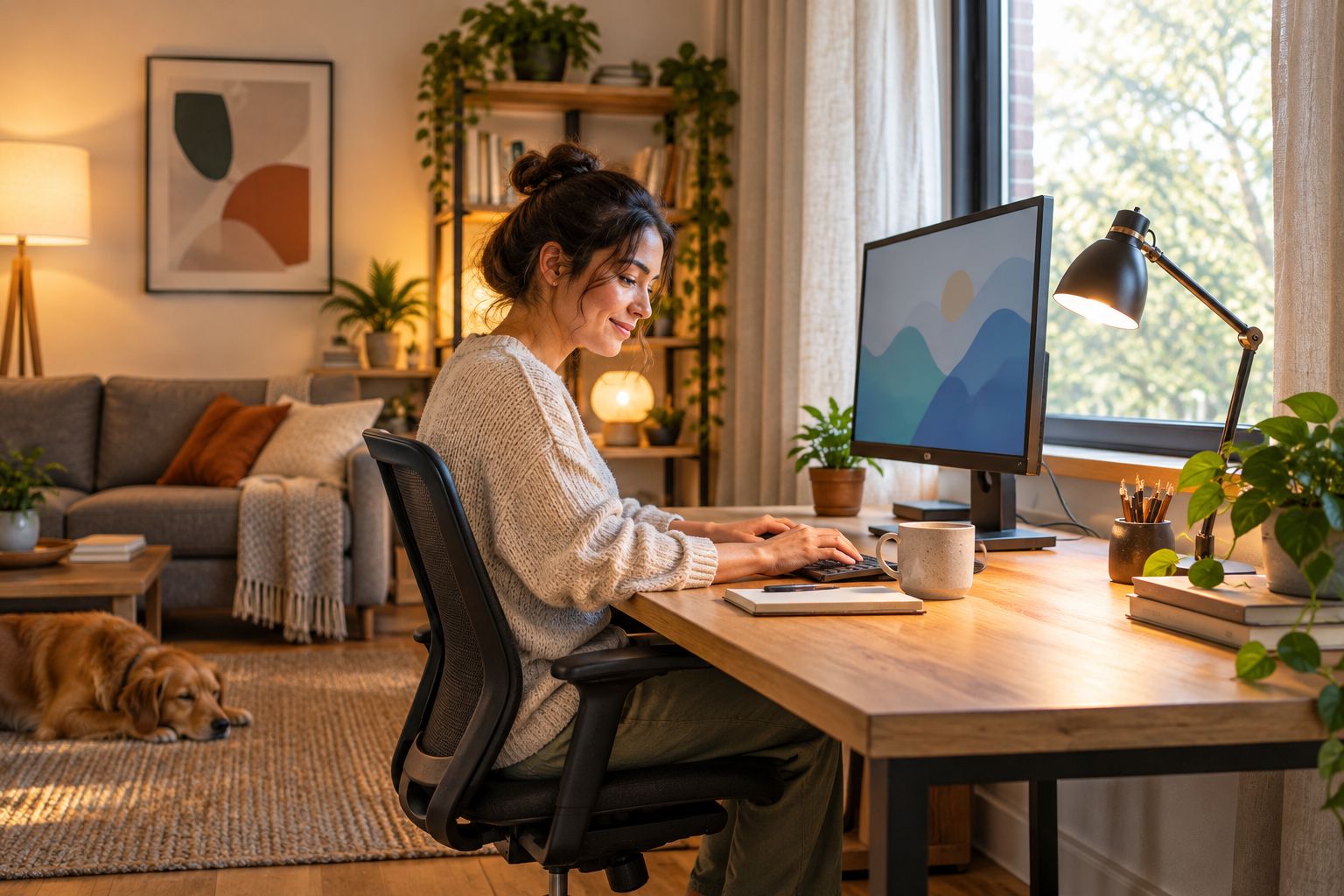
Repeat the test with the window covering partly closed, not only fully open or shut. Your useful setting often depends on the task and time of day rather than a single permanent arrangement.
- Move the desk before changing electrical locations.
- Check the screen from your normal seated eye position.
- Test window coverings during calls and focused work.
- Photograph the arrangement so you can compare alternatives.
3. Build separate ambient and task layers
Use the room's existing general lighting as your starting point, then add directed light only where the work needs it. Ambient lighting illuminates the surrounding space; task lighting puts light on the work surface. Keeping these functions separate gives you more control than asking one ceiling fixture to do everything.
An adjustable desk lamp is best for a changing work area, but its shade and position matter. Keep the bright source out of your direct view and check whether your writing hand blocks the light. A floor lamp can support the surrounding room, but it needs a stable position outside circulation routes.
Oak + Loom Interiors is best for Colorado Springs homeowners who want lighting design coordinated with furnishings and the surrounding room. The studio offers full-service and à la carte interior design; that supports a coordinated project, but does not replace the electrician needed for changes to fixed wiring.
- Use ambient light for the room around your workstation.
- Direct task light onto documents or hands-on work.
- Keep exposed bright sources out of your seated sightline.
- Check shadows with your hands in their working position.
4. Choose light color for the work and the room
Read bulb and fixture specifications rather than judging by packaging photographs. Correlated color temperature is measured in kelvins: 2700 K appears warmer than 4000 K. A 3000 K source sits between those examples, but the number does not tell you how bright a lamp is.
For a shared living space, compare a warmer option with a cooler option on the actual desk. Choose based on the work surface, surrounding finishes, and how the room feels after dark. Do not assume that the coolest-looking light is automatically the most useful for work.
If your business involves color-sensitive work, check color-rendering information as well as color temperature. The color rendering index, or CRI, describes color rendering against a reference source; it is not a guarantee that a photograph or printed sample will match. Keep your 2026 fixture notes specific enough to identify replacements later.
- Record the selected color temperature in kelvins.
- Compare samples against your actual materials and finishes.
- Check color-rendering information for color-sensitive tasks.
- Avoid mixing visibly different light colors across one work surface.
5. Test video calls and detailed work separately
A desk that feels comfortable in person can still look uneven on camera. Start with your existing light, open a preview in your usual meeting application, and move the lamp until your face is visible without a distracting bright spot. Check glasses for reflections if you wear them.
Detailed work needs its own test. Put a real invoice, sample, drawing, or package on the surface and complete the movement you normally make. A lamp that illuminates an empty desk well can cast a shadow once your hands enter the workspace.
For 2026 client calls, save the camera position and lighting arrangement that work together. Avoid changing every setting between meetings. A small reference photograph is more useful than trying to remember where the lamp stood.
- Test the camera at your normal screen height.
- Check your face and glasses for unwanted reflections.
- Review the background for distracting bright sources.
- Test hands-on work with the tools you actually use.
- Recheck the arrangement after daylight changes.
6. Plan controls and installation before committing
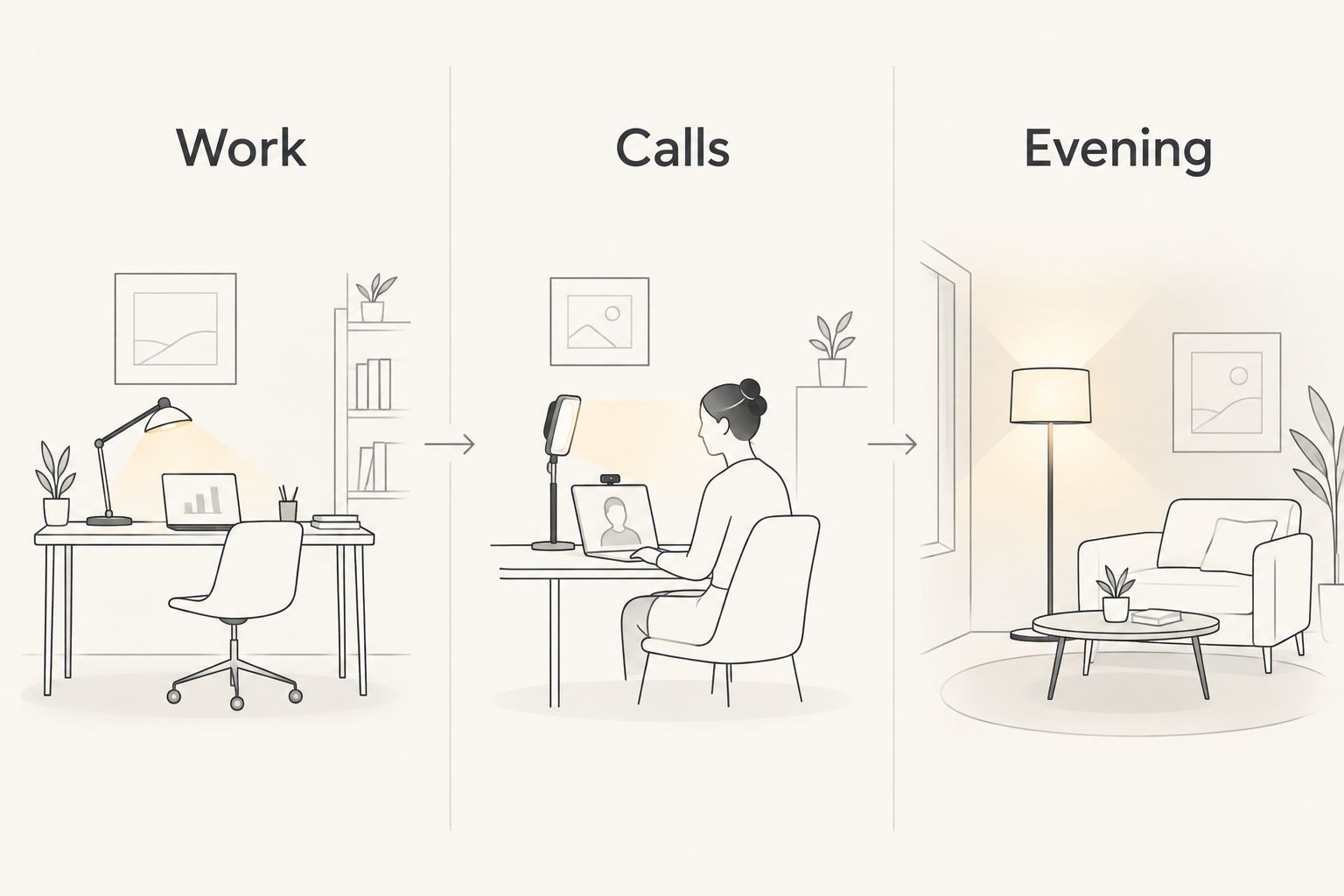
Make a simple control map on paper. Label the lighting by purpose: Work, Calls, and Evening. Then decide which sources need independent switches or dimming so you can change activities without lighting the entire room the same way.
Start by switching existing lamps on and off in different combinations. This reveals whether you need another light or simply better control of the lights already there. If you want dimming, check the lamp, bulb, driver, and dimmer compatibility before selection rather than assuming every component works together.
Use a qualified electrician for fixed-wiring changes. Interior design support helps coordinate the room and fixture choices, while electrical installation is a separate responsibility. Before approving the final arrangement, walk through the space with the chair pulled out and storage doors open.
- Work: Illuminate the desk and surrounding room together.
- Calls: Light your face without a distracting background.
- Evening: Reduce work-focused light when the room returns to home use.
- Keep cords out of walking routes and chair movement.
- Confirm installation requirements before selecting fixed fixtures.
Compare lighting options for your home business
Choose the option that solves the identified problem rather than the option that looks most office-like. These approaches can work together, but each has a different purpose and a limitation worth considering before you commit.
| Option | Best for | Main benefit | Key limitation |
|---|---|---|---|
| Adjustable desk lamp | Paperwork and changing desk tasks | Directs light where you need it | Does not illuminate the whole room |
| Shaded floor lamp | Shared living rooms and office corners | Adds surrounding light without a ceiling change | Needs floor space and a clear cord route |
| Ceiling fixture | General room illumination | Provides a starting ambient layer | Cannot independently solve every desk shadow or reflection |
| Dedicated video light | Frequent on-camera meetings | Lets you adjust light specifically for your face | Does not replace desk or room lighting |
| Coordinated interior design | Homeowners changing furnishings and lighting together | Connects fixture choices with layout and room use | Requires a defined project scope and separate electrical planning where needed |
For a single workstation, test an adjustable task lamp and the existing ambient light first. For a renovation or shared room with several uses, settle the furniture layout before finalizing fixed-light locations.
Oak + Loom Interiors offers both full-service and à la carte design, so ask which scope fits the room decisions you need help making. Confirm the deliverables rather than assuming a lighting request includes electrical drawings or installation.
Plan your workspace lighting
Explore interior design support for lighting, furnishings, and a workspace that fits your home.
Common mistakes home-based business owners make
Choosing a statement fixture before placing the desk
A pendant selected around an empty room can end up in the wrong place once storage and work surfaces arrive. Finalize your seated position, screen direction, and working area before choosing fixed-light locations.
Treating camera lighting as the whole plan
A face light serves the camera, not necessarily your paperwork or the rest of the room. Keep call lighting adjustable and judge desk comfort separately, especially when meetings alternate with detailed work.
Testing only during daylight
Daylight can hide gaps in your ambient lighting. Review your 2026 workspace after dark as well as during business hours, particularly if you prepare orders or catch up on administration in the evening.
Forgetting the room's home life
A shared dining room or guest bedroom still needs to serve its original purpose. Avoid lamp bases, cords, and stands that make ordinary household use awkward; include a simple end-of-day reset in the plan.
FAQ
What's the best lighting design for a home-based business?
The best lighting design for a home-based business combines controlled daylight, ambient room lighting, and adjustable task lighting. Choose and position each source around the work you actually do, then test screen reflections and camera appearance separately.
Should my home-office desk face a window?
A side window is a useful starting arrangement because it lets you test daylight without placing the window directly behind you or the monitor. Check reflections and camera contrast during your actual working hours before settling the desk position.
Is a desk lamp enough for a home business?
A desk lamp supplies local task light, not complete room lighting. Use it alongside an ambient layer so the work surface is not the only illuminated area after dark.
Is 2700 K or 4000 K better for a home workspace?
Neither color temperature is automatically better for every home workspace. A 2700 K source looks warmer than a 4000 K source; compare both with your materials, tasks, and surrounding room rather than choosing by the number alone.
Do I need separate lighting for video calls?
You need separate control of face lighting when your normal desk arrangement does not light your face adequately on camera. Test an existing movable lamp first, and check glasses, background brightness, and changing daylight before selecting a dedicated video light.
Can an interior designer help with home-business lighting?
An interior designer can coordinate lighting choices with furniture placement, finishes, and how a room is used. Oak + Loom Interiors offers full-service and à la carte interior design in Colorado Springs; confirm the project deliverables and arrange a qualified electrician for fixed-wiring changes.
What should I check before installing new workspace lighting?
Confirm the furniture layout, fixture position, control requirements, and electrical installation needs before committing. Test portable lighting first wherever possible, and check dimming compatibility rather than assuming all components work together.
One last thing
Test your lighting with the work surface occupied. A clear desk hides shadows that appear when a laptop lid, sewing machine, sample board, or your own hands interrupt the light. Before signing off your 2026 plan, complete a real task, join a camera preview, and reset the room for the evening.